Control engineers
Explore feedback-loop responses before reviewing a physical control system.
Control, electrical & DSP
Connect control or signal blocks, run a simulation and inspect the results. Explore feedback loops, electrical circuits and signal processing.
Find your role and the work this tool can help with.
Explore feedback-loop responses before reviewing a physical control system.
Study supported circuit and signal models, compare responses and export available numerical results.
Study feedback-loop behavior using declared block models and inspect time responses before reviewing a physical machine or process control system.
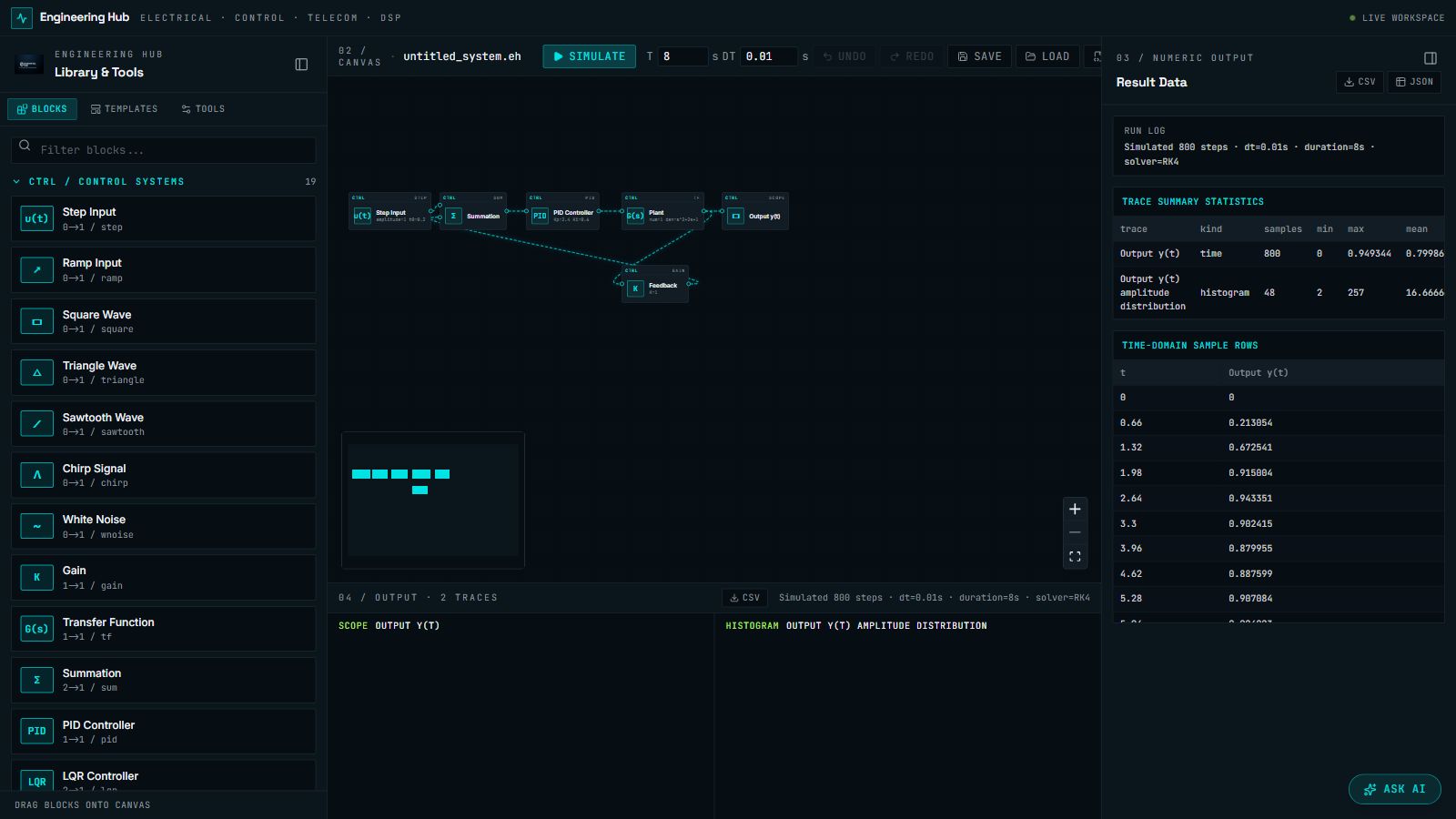
See how a system responds.
Build a system from blocks or a template.
Declare parameters, connections and simulation settings.
Run and inspect traces and numerical output.
Review system behavior and export supported data.
Validate the chosen blocks and simulation settings against the physical system. A simulated response supports engineering review; it is not proof of hardware performance.
Continue with the related task. Each tool has its own inputs and review requirements.
Check the supported methods and outputs. If you need help deciding, tell us what you’re working on.